
Integrity

Sessions in this New User Onboarding
-
 1. Registration and Account SetupUpdate your account settings, customize your agent profile and check your selling permissions.
-
 2. Navigation OverviewDashboard Overview, Ask Integrity, Spanish Mode, Quick Quote and more.
-
 3. Contacts OverviewAdd clients, filter your clients by stages and tags, and review client record.
-
 4. Scope of AppointmentSend by email or text, option to track 48-hour waiting period, available in Spanish.
-
 5. Personalized Business Phone NumberRecord inbound and outbound calls, send text messages, Ask Integrity call and meeting summaries
-
 6. Med Adv & PDP QuotingQuote with client's health information, view plan details and send comparisons
-
 7. Med Adv & PDP EnrollmentsIn-person, voice, email or text signature. PDF application stores in client's activity. View policies and production.
-
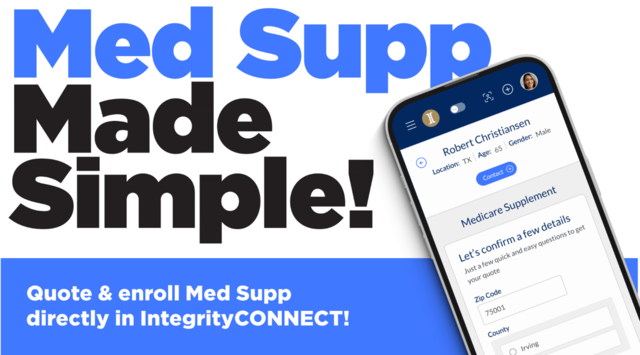 8. Med Supp Quote & EnrollQuote Medicare Supplement carriers, send comparisons and apply.
-
 9. Agent-Personalized WebsiteBrand your agent website with your photo and logo. Clients can learn about products, quote and enroll, schedule an appointment and sh... View more
-
 10. Production OverviewView all your production for all products. Obtain policy numbers, effective dates, policy status, client information and more.
